| Feature & Capability | CloudBreak FreshRSS | Feedly | Google News | Apple News | Twitter (X) | |
|---|---|---|---|---|---|---|
| Free to Use (Basic Tier) | ➖ (2-week free trial) | ✅ | ✅ | ✅ | ✅ | ✅ |
| Algorithmic Content Discovery | ❌ (Intentionally no suggested articles) | ✅ | ✅ | ✅ | ✅ | ✅ |
| Social Networking (Likes, Comments) | ❌ | ❌ | ❌ | ❌ | ✅ | ✅ |
| Ad-Free & No Promoted Content | ✅ | ❌ | ❌ | ❌ | ❌ | ❌ |
| Chronological Feed Focus | ✅ | ✅ | ❌ | ❌ | ❌ | ❌ |
| Web Scraping | ✅ | ❌ | ❌ | ❌ | ❌ | ❌ |
| Filters | ✅ | ❌ | ❌ | ❌ | ❌ | ❌ |
| No Behavioral Tracking | ✅ | ❌ | ❌ | ❌ | ❌ | ❌ |
| Open Source Code | ✅ (Contributes back 10% of profits) | ❌ | ❌ | ❌ | ❌ | ❌ |
Recommended Native Apps
CloudBreak FreshRSS works with many RSS readers on every platform.
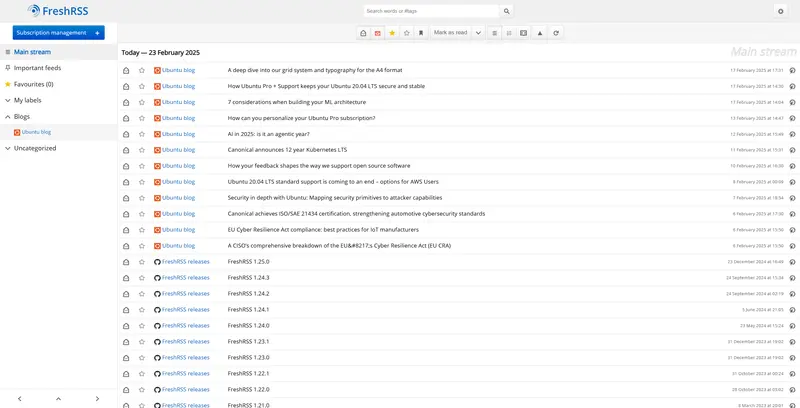
Web
FreshRSS
A powerful, self-hostable RSS aggregator with a clean web interface. Included with your CloudBreak subscription.
View Gallery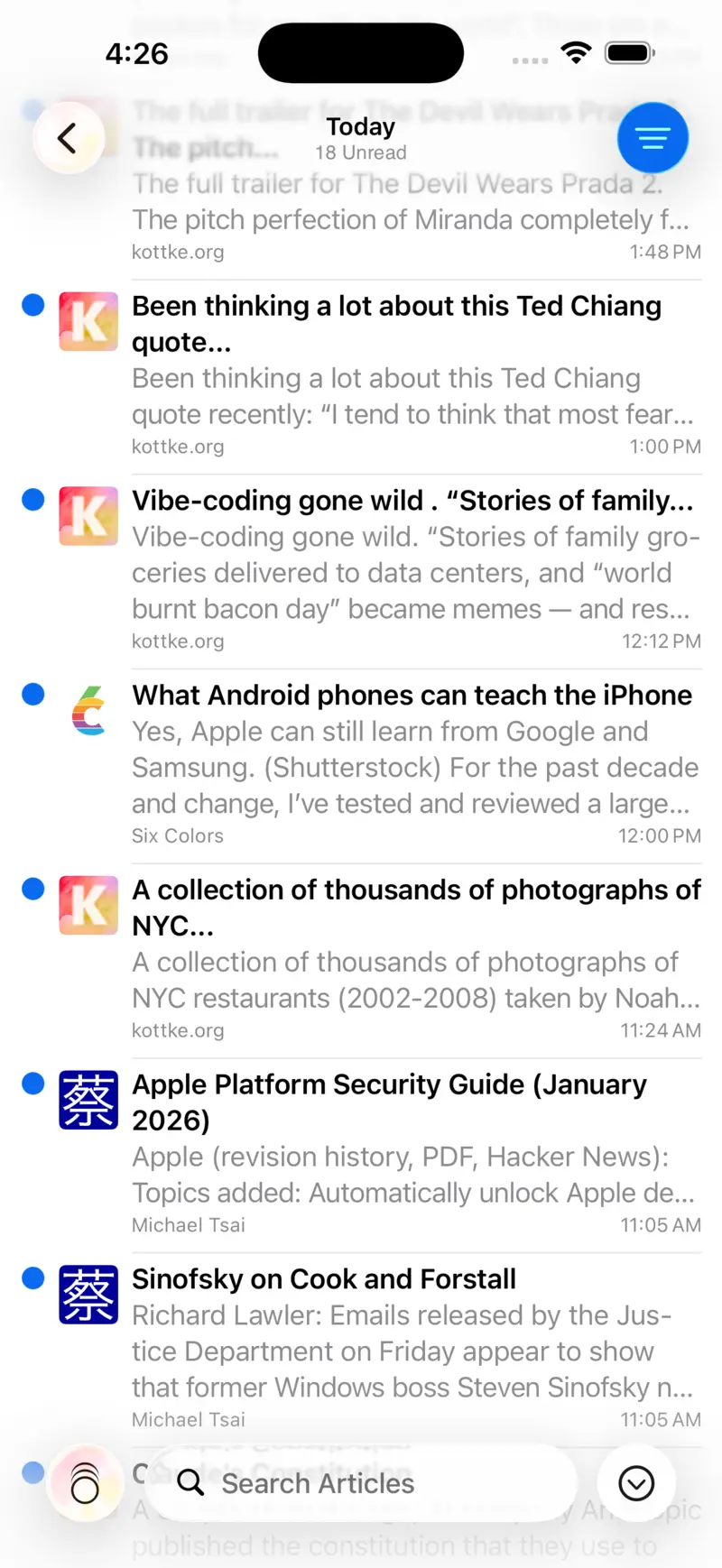
iOS
NetNewsWire
A free and open-source RSS reader beloved by the iOS community. Fast, reliable, and privacy-respecting.
View Gallery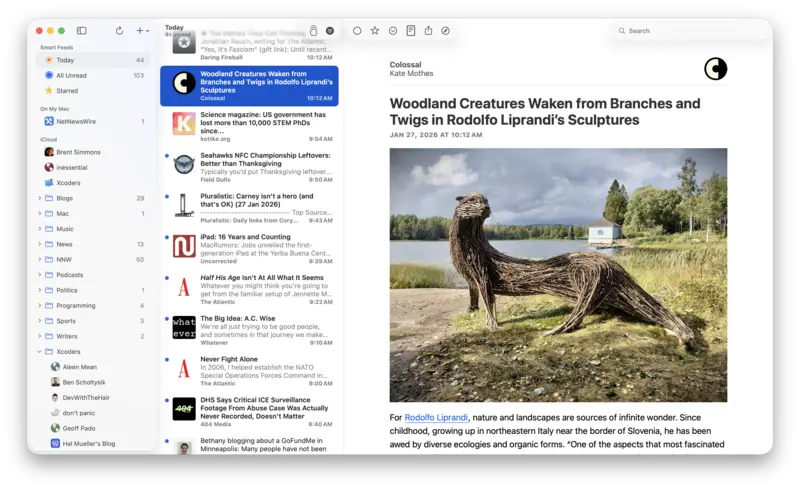
macOS
NetNewsWire
The same trusted NetNewsWire experience, built natively for Mac. Sync your feeds across all your Apple devices.
View Gallery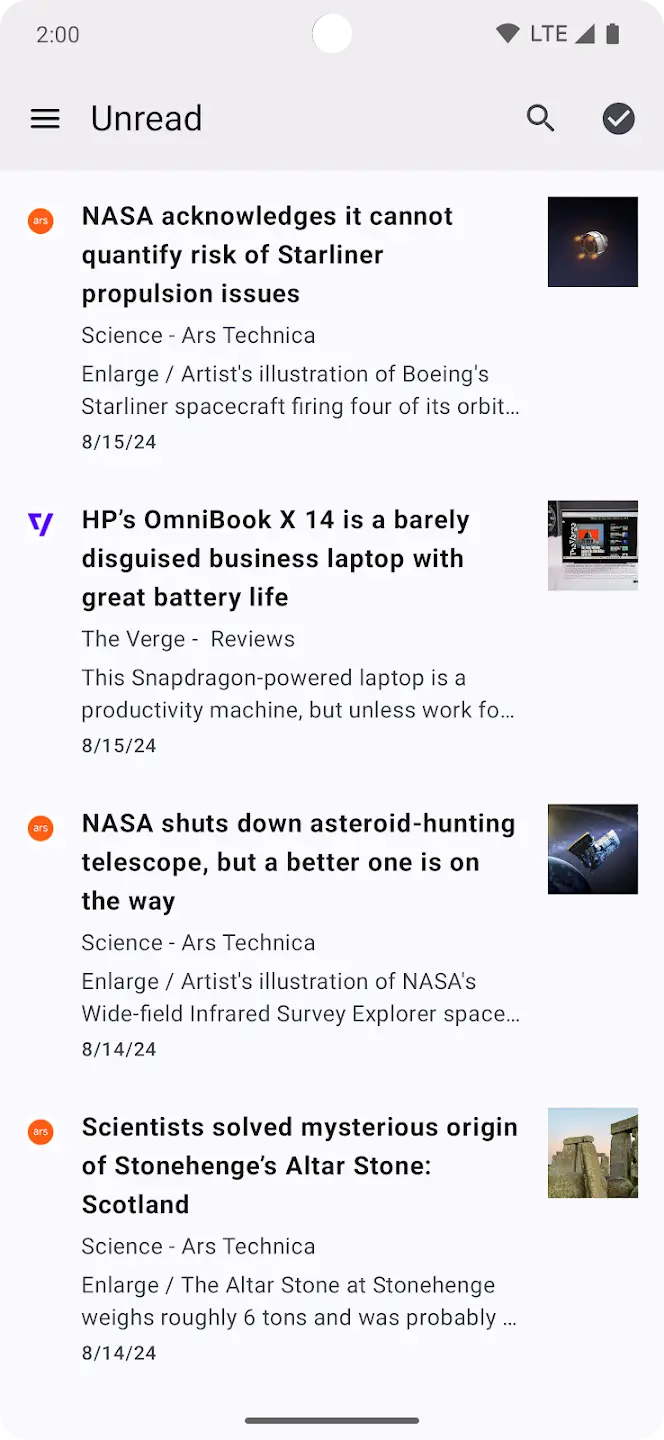
Android
Capy Reader
A beautiful, native RSS reader for Android. Syncs seamlessly with your CloudBreak FreshRSS instance.
View Gallery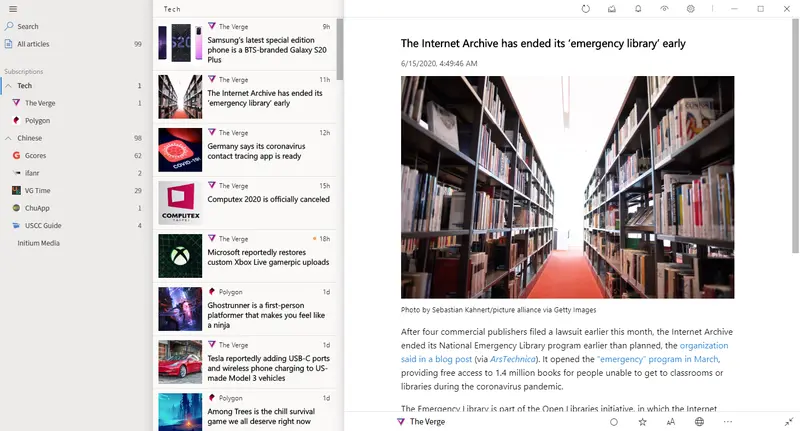
Windows
Fluent Reader
A sleek, modern RSS reader for Windows with a fluent design. Full support for syncing with FreshRSS.
View Gallery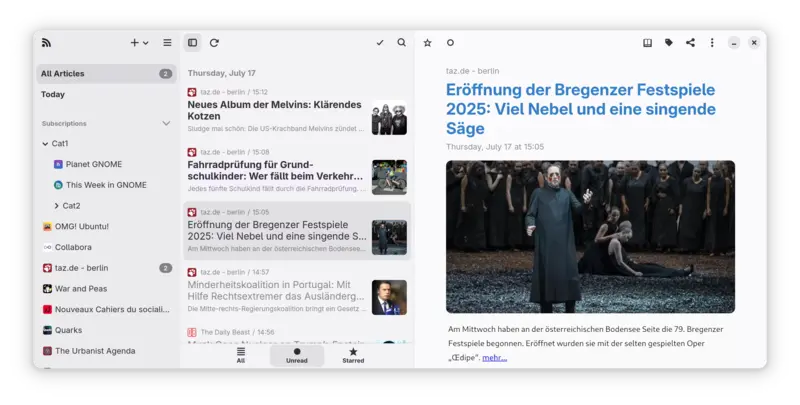
Linux
NewsFlash
A modern, GTK-based feed reader for the Linux desktop. Connects directly to your CloudBreak account.
View GalleryHow to Find & Add Content to FreshRSS
CloudBreak gives you total control over your information diet. Since there are no “suggested posts” or algorithms, your feed stays exactly as you build it. Here is how to find content and add it to your setup.
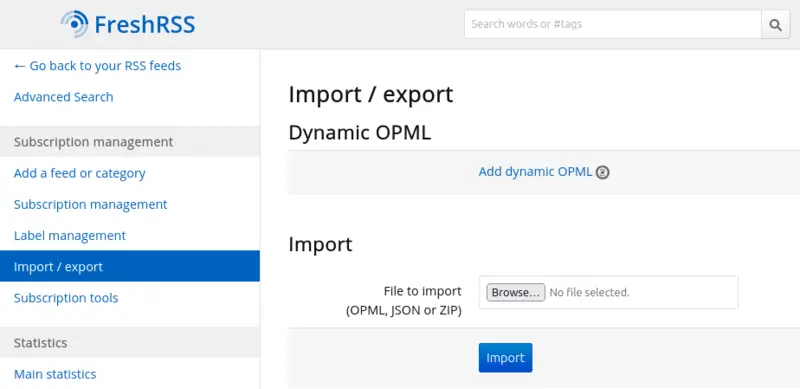
Importing an Existing Feed List (OPML)
Already using another RSS reader? Move everything over in one step.
- Export an OPML file from your current reader.
- In FreshRSS, go to Subscription Management → Import/Export.
- Upload the OPML file — all your feeds and categories are restored instantly.
Finding Feed URLs
Most websites that publish regularly have an RSS feed, even if they don’t advertise it. Here are the best ways to track them down:
- Look for the Icon: Keep an eye out for the classic orange RSS icon () or the word “Feed” in the footer or sidebar of your favorite blogs and news sites.
- The “URL Trick”: FreshRSS is smarter than it looks. For most modern websites, you can just paste the main homepage URL (e.g.,
theverge.com) into the “Add Feed” box. FreshRSS will “sniff” the site’s code, find the hidden feed link, and do the heavy lifting for you. - YouTube & Substack: You don’t need an account or a newsletter subscription to stay updated.
- YouTube: Paste a channel URL directly into FreshRSS to get new videos in your feed.
- Substack: Every Substack has an RSS feed—just paste the publication’s URL.
- Facebook & Twitter: Stay updated without an account through 3rd parties
- Reddit & Mastodon:
- Reddit: You can follow any subreddit by adding
.rssto the end of the URL (e.g.,reddit.com/r/technology/.rss). - Mastodon: Follow your favorite creators by adding
.rssto their profile URL.
- Reddit: You can follow any subreddit by adding
- GitHub: Stay on top of software updates by adding the URL of a project’s “Releases” page. It’s the best way to track version updates without checking the site daily. You can also track commits and other changes.
- Browser Extensions: If you do a lot of feed hunting, extensions like RSS Finder (Chrome) or Livemarks (Firefox) will light up whenever you visit a site that has a hidden feed, allowing you to copy the link with one click.

iOS:  NetNewsWire
- Open NetNewsWire and ensure your FreshRSS account is synced.
- Tap the + button in the bottom toolbar.
- Select Add Web Feed.
- Paste the URL. Make sure the Account field is set to your FreshRSS account so it syncs back to all your other devices.
Android:  Capy Reader
- Open Capy Reader and tap the + (Add) icon.
- Paste the URL or search for the site name.
- Choose the Category where you want the feed to live and hit Save.
Adding Feeds via the FreshRSS Web Interface
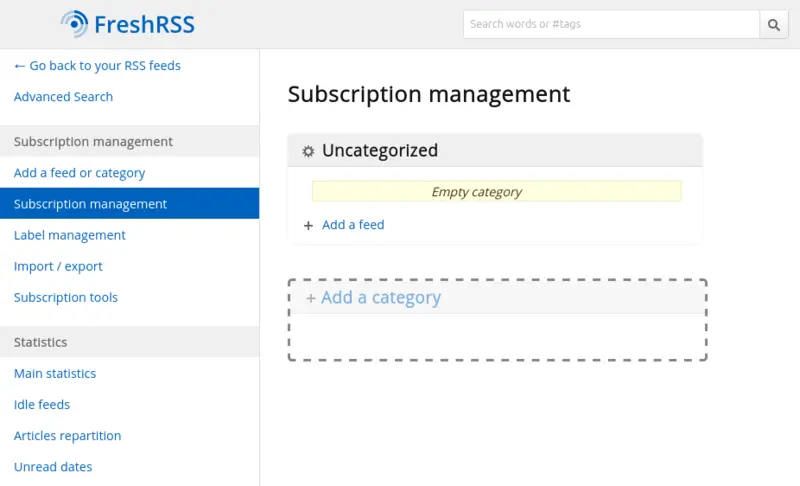
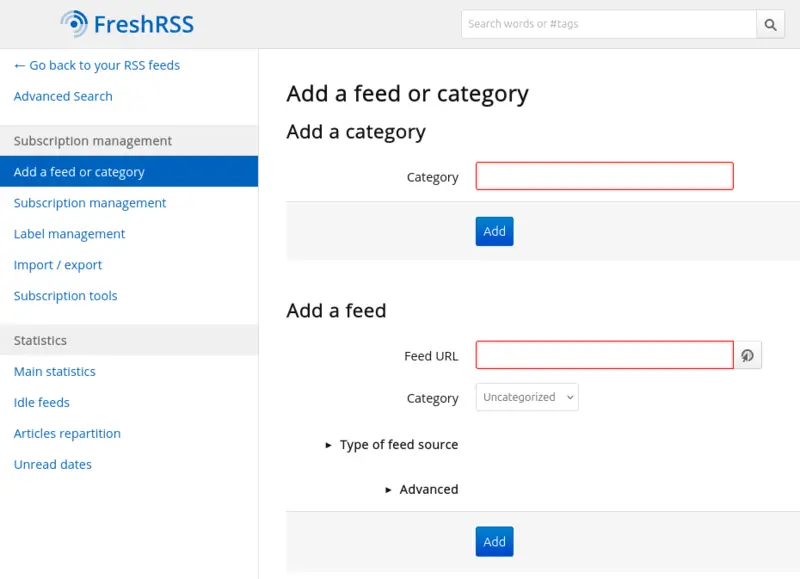
Once you have a link, you can add it directly through the FreshRSS web interface.
- Log in to your CloudBreak FreshRSS instance.
- Click the Subscription Management icon (the
+sign in the sidebar):
- Paste the URL into the Feed URL box and click Add.
- Tip: You can assign the feed to a category (like “Tech” or “Politics”) right then and there.
Managing Your Feeds
Keep your subscription list tidy and organized from the Manage Feeds screen.
- Rename, categorize, or remove feeds at any time.
- Group related feeds together under a shared category so they’re easy to browse.